A closer look
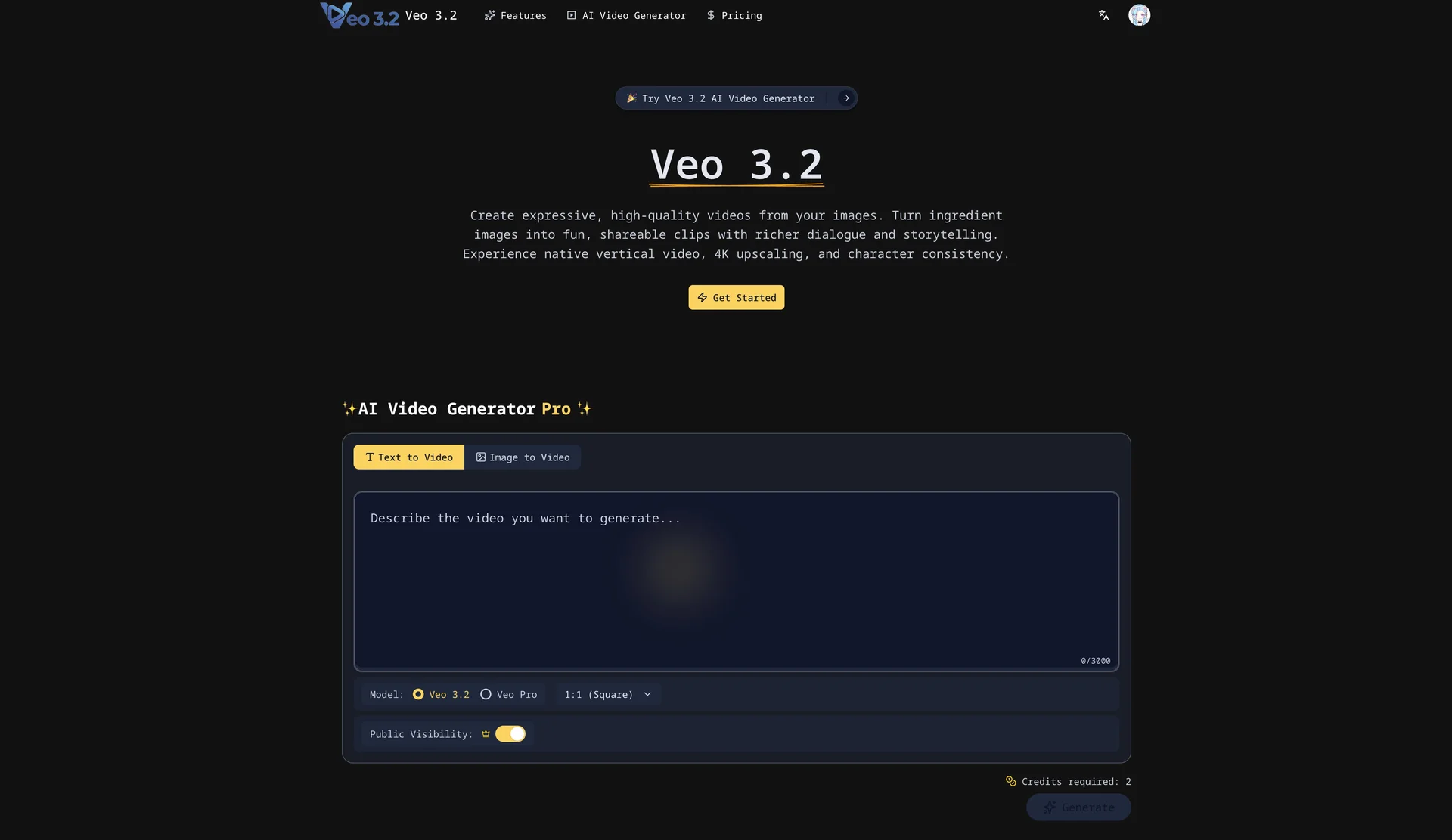
Veo 3.2 focuses on turning your images into expressive 4K videos with Veo 3.2. When comparing Veo 3.2 with other design tools, start with a task you already do and check the result against your own requirements.
Product screenshots
Before you choose
Comparison checklist for Veo 3.2: 1. Use a short sample to check motion consistency, audio, resolution, and the actual export. 2. Compare one exported asset at the size and file format your project needs. 3. Check supported file formats and export quality. 4. Test editing control with a representative design. 5. Review commercial usage rights and collaboration options. The source lists veo3-2.io as the official website. Features, access requirements, and pricing should be confirmed there; this summary is not a hands-on review.