A closer look
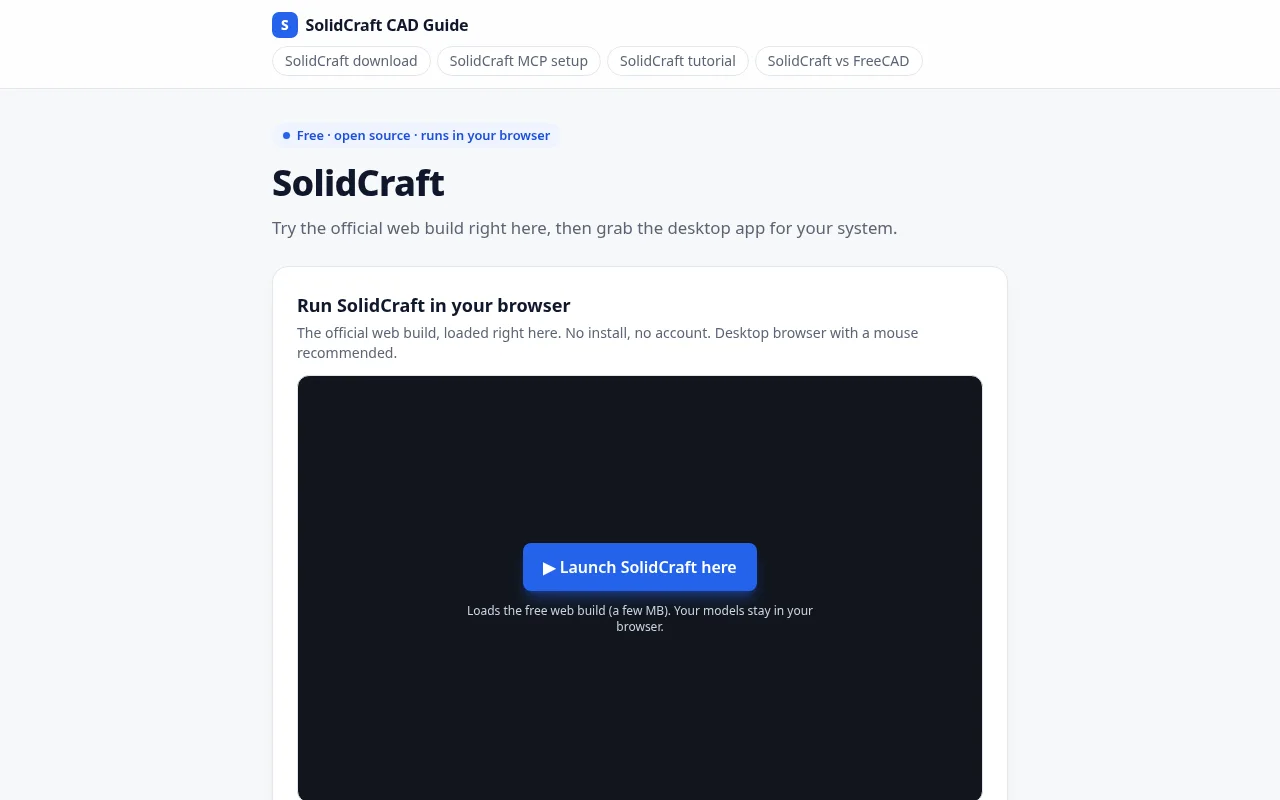
SolidCraft CAD (unofficial guide) focuses on learn to run, download and use SolidCraft, the open-source parametric 3D CAD app in Rust. The intended audience includes Makers and 3D printing hobbyists; Engineers trying open-source CAD; FreeCAD users exploring alternatives; Developers connecting AI agents via MCP. The source lists these access methods or capabilities: Web. Getting started, according to the source: No account required. When comparing SolidCraft CAD (unofficial guide) with other design tools, start with a task you already do and check the result against your own requirements.
Who it’s for
Makers and 3D printing hobbyists; Engineers trying open-source CAD; FreeCAD users exploring alternatives; Developers connecting AI agents via MCP
Where it runs / features
- Web
Product screenshots
Before you choose
Comparison checklist for SolidCraft CAD (unofficial guide): 1. Confirm which MCP clients, servers, and authentication methods match your setup. 2. Check supported file formats and export quality. 3. Test editing control with a representative design. 4. Review commercial usage rights and collaboration options. The source lists solidcraftcad.com as the official website. Features, access requirements, and pricing should be confirmed there; this summary is not a hands-on review.