
A closer look
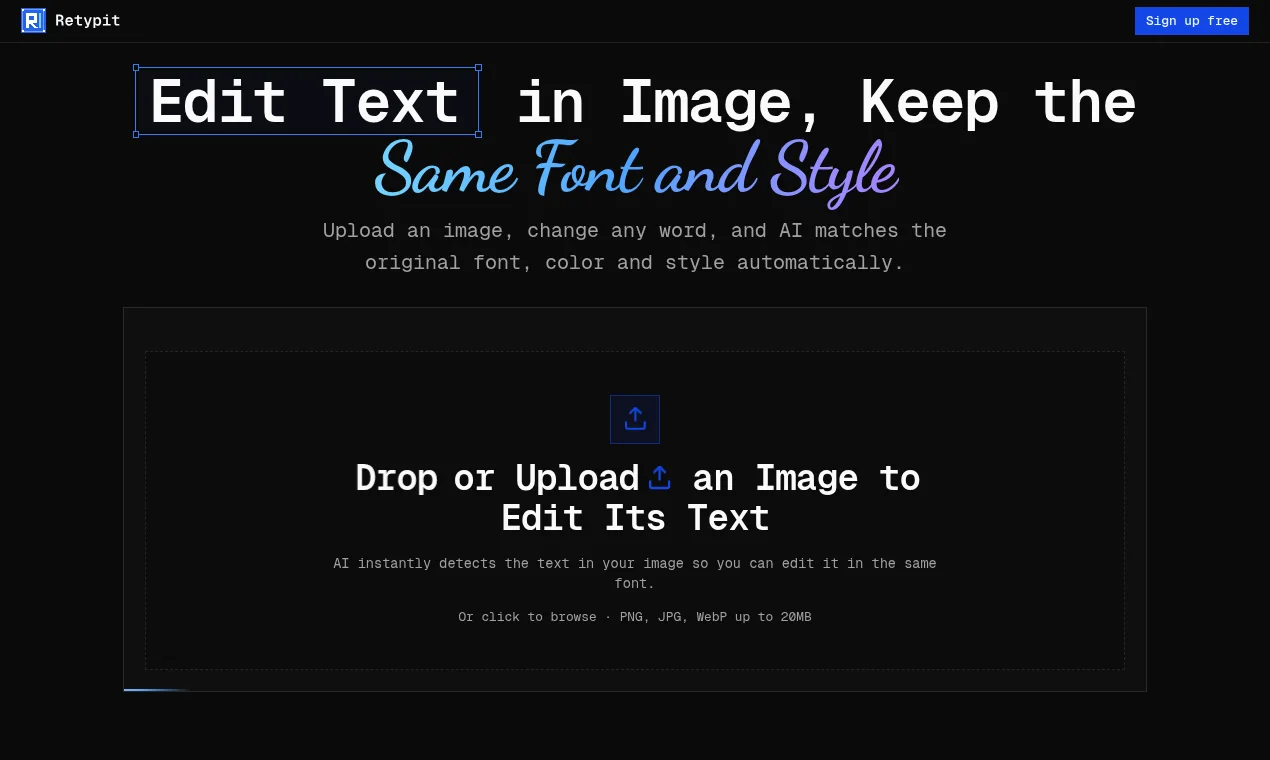
Retypit focuses on editing text in any image and keep the same font, color and style. The intended audience includes Designers; Marketers; Social media creators; Small business owners. The source lists these access methods or capabilities: Web. Getting started, according to the source: Account required. When comparing Retypit with other design tools, start with a task you already do and check the result against your own requirements.
Who it’s for
Designers; Marketers; Social media creators; Small business owners
Where it runs / features
- Web
Product screenshots
Before you choose
Comparison checklist for Retypit: 1. Check whether photos stay on your device, how deletion works, and whether the result suits your intended use. 2. Compare one exported asset at the size and file format your project needs. 3. Check supported file formats and export quality. 4. Test editing control with a representative design. 5. Review commercial usage rights and collaboration options. The source lists retypit.ai as the official website. Features, access requirements, and pricing should be confirmed there; this summary is not a hands-on review.