
A closer look
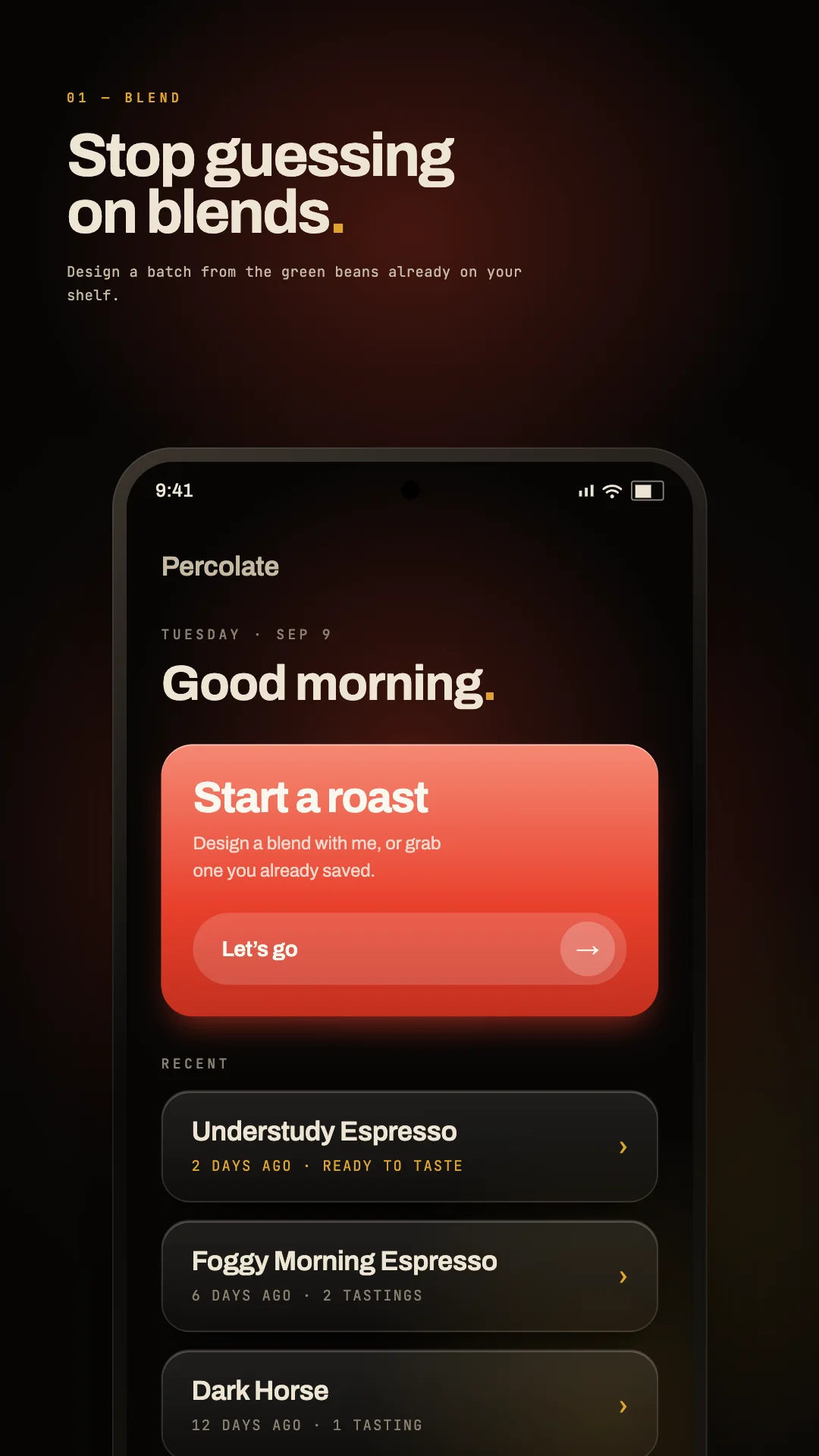
Percolate focuses on designing coffee blends, manage green bean inventory, and log home roast events and tasting notes. The intended audience includes Home coffee roasters tracking green bean inventory; Coffee hobbyists designing multi-bean custom blends; Roasters logging manual roast milestones and cup tasting notes; Coffee enthusiasts learning roast stages like first crack and roast levels. The source lists these access methods or capabilities: Web, Android, API. Getting started, according to the source: Account required. When comparing Percolate with other education tools, start with a task you already do and check the result against your own requirements.
Who it’s for
Home coffee roasters tracking green bean inventory; Coffee hobbyists designing multi-bean custom blends; Roasters logging manual roast milestones and cup tasting notes; Coffee enthusiasts learning roast stages like first crack and roast levels
Where it runs / features
- Web
- Android
- API
Product screenshots
Before you choose
Comparison checklist for Percolate: 1. Check whether photos stay on your device, how deletion works, and whether the result suits your intended use. 2. Check the intended age group and learning level. 3. Test feedback quality with a representative exercise. 4. Review accessibility, privacy, and progress tracking. The source lists letspercolate.app as the official website. Features, access requirements, and pricing should be confirmed there; this summary is not a hands-on review.