A closer look
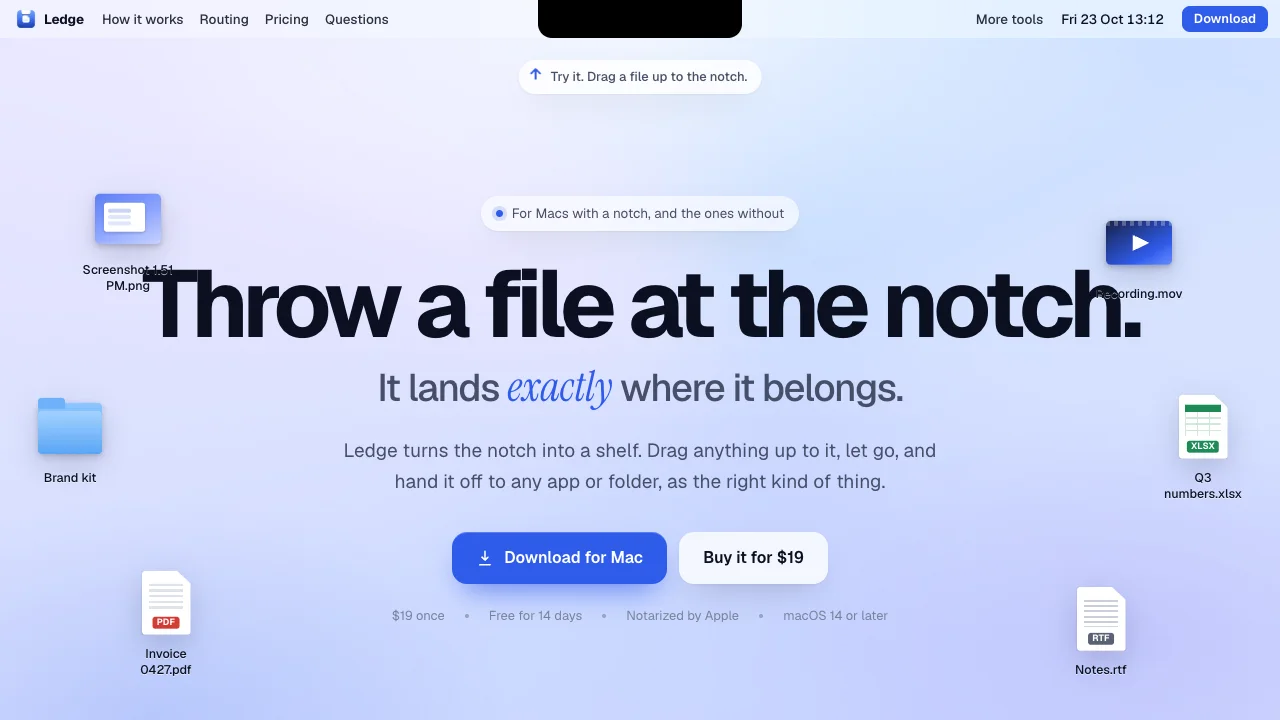
Ledge focuses on turns the notch on your Mac into a shelf. The intended audience includes Mac users who move files between apps. The source lists these access methods or capabilities: macOS. Getting started, according to the source: Install required. When comparing Ledge with other productivity tools, start with a task you already do and check the result against your own requirements.
Who it’s for
Mac users who move files between apps
Where it runs / features
- macOS
Product screenshots
Before you choose
Comparison checklist for Ledge: 1. Compare one exported asset at the size and file format your project needs. 2. Try the workflow with a real task. 3. Check data export and integrations with existing apps. 4. Compare collaboration limits and setup effort. The source lists ledge.everydaymactools.com as the official website. Features, access requirements, and pricing should be confirmed there; this summary is not a hands-on review.