
A closer look
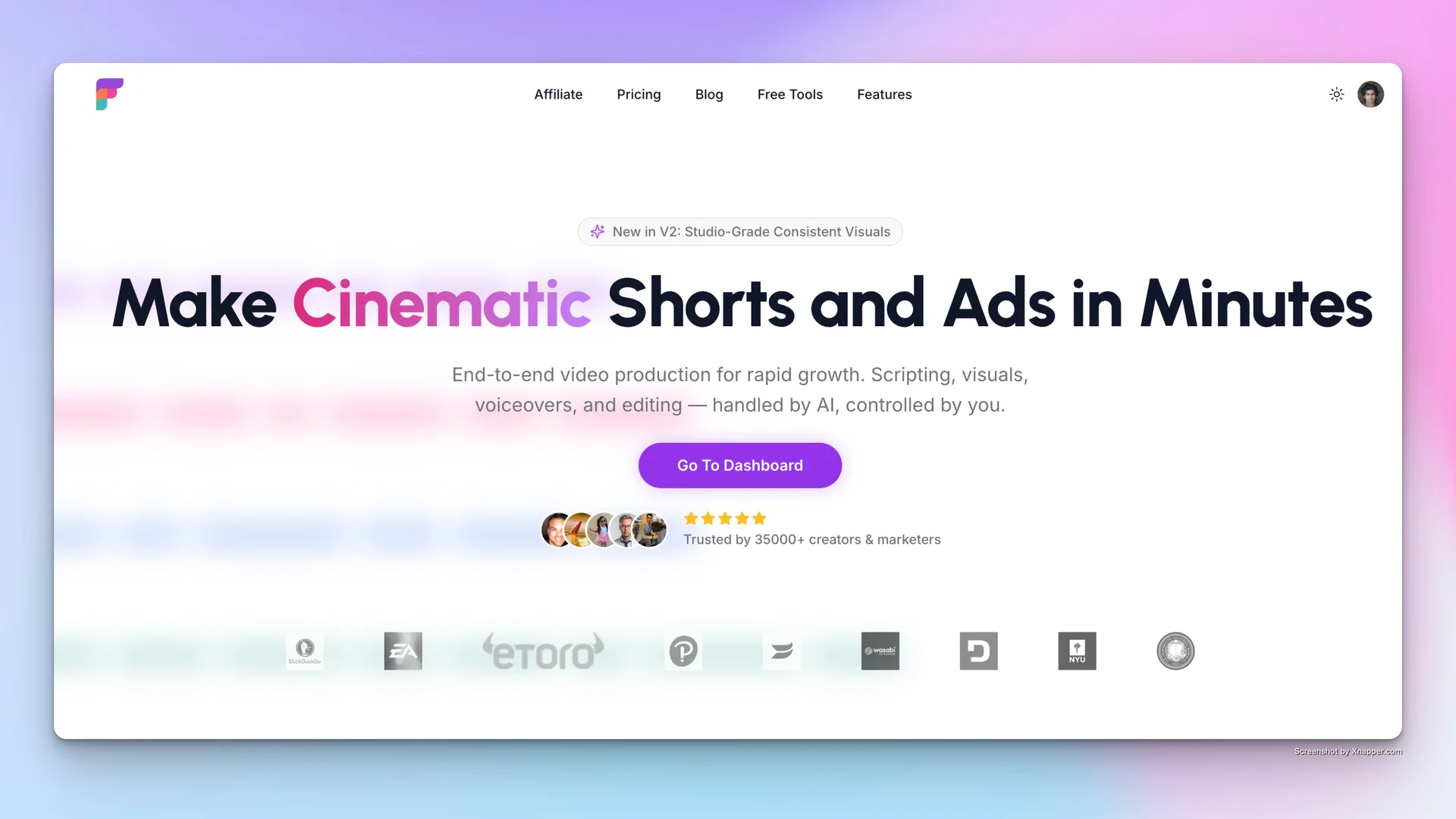
Frameloop AI focuses on an automated video creation platform that generates cinematic shorts and ads from text or images, featuring 15+ visual styles and support for 32+ languages. The intended audience includes Content marketers needing to scale video production across social channels.; Business owners creating promotional and educational videos in-house.; Social media managers looking to post high-quality cinematic shorts daily.; Global brands requiring instant video localization in multiple languages. When comparing Frameloop AI with other video tools, start with a task you already do and check the result against your own requirements.
Who it’s for
Content marketers needing to scale video production across social channels.; Business owners creating promotional and educational videos in-house.; Social media managers looking to post high-quality cinematic shorts daily.; Global brands requiring instant video localization in multiple languages.
Product screenshots
Before you choose
Comparison checklist for Frameloop AI: 1. Check whether photos stay on your device, how deletion works, and whether the result suits your intended use. 2. Use a short sample to check motion consistency, audio, resolution, and the actual export. 3. Compare one exported asset at the size and file format your project needs. 4. Check resolution, aspect ratios, and export formats. 5. Test turnaround time and editing control. The source lists frameloop.ai as the official website. Features, access requirements, and pricing should be confirmed there; this summary is not a hands-on review.