
A closer look
flconsole focuses on getting new Upwork jobs that match your search in Telegram within a minute, with an AI filter, for free. The intended audience includes Upwork freelancers; Freelance agencies on Upwork; New freelancers starting on Upwork; Developers using AI coding agents. The source lists these access methods or capabilities: Web, iOS, Android, macOS, Windows, Linux, API. Getting started, according to the source: No account required. When comparing flconsole with other freelancer tools, start with a task you already do and check the result against your own requirements.
Who it’s for
Upwork freelancers; Freelance agencies on Upwork; New freelancers starting on Upwork; Developers using AI coding agents
Where it runs / features
- Web
- iOS
- Android
- macOS
- Windows
- Linux
- API
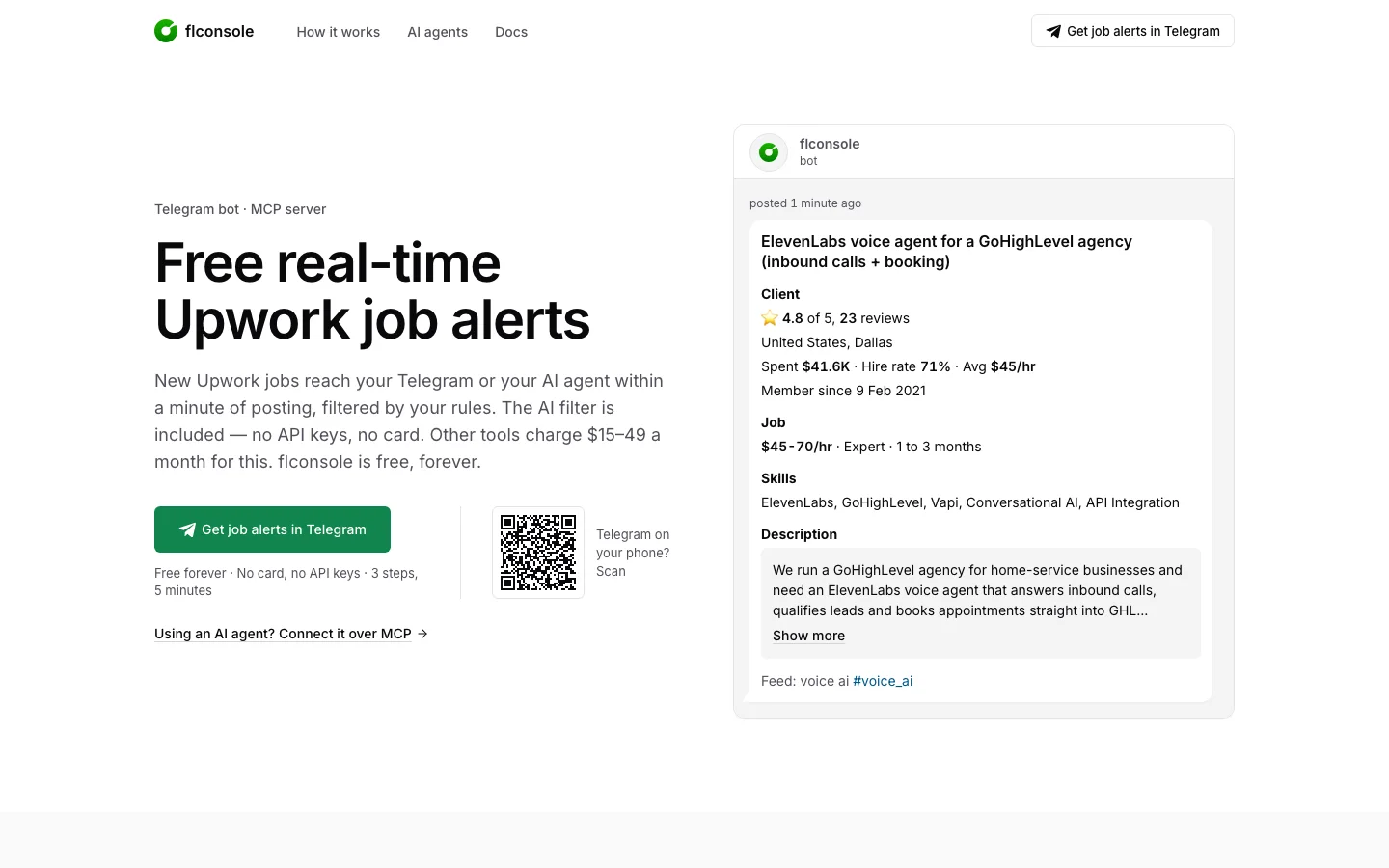
Product screenshots
Before you choose
Comparison checklist for flconsole: 1. Confirm which MCP clients, servers, and authentication methods match your setup. 2. Read the API documentation for authentication, rate limits, and failure responses. 3. Test your proposal, project, or billing workflow. 4. Check client collaboration and export options. 5. Compare limits for active projects and customers. The source lists flconsole.com as the official website. Features, access requirements, and pricing should be confirmed there; this summary is not a hands-on review.