A closer look
DevKnife focuses on a fast, private macOS app with 10+ tools. When comparing DevKnife with other developer tools, start with a task you already do and check the result against your own requirements.
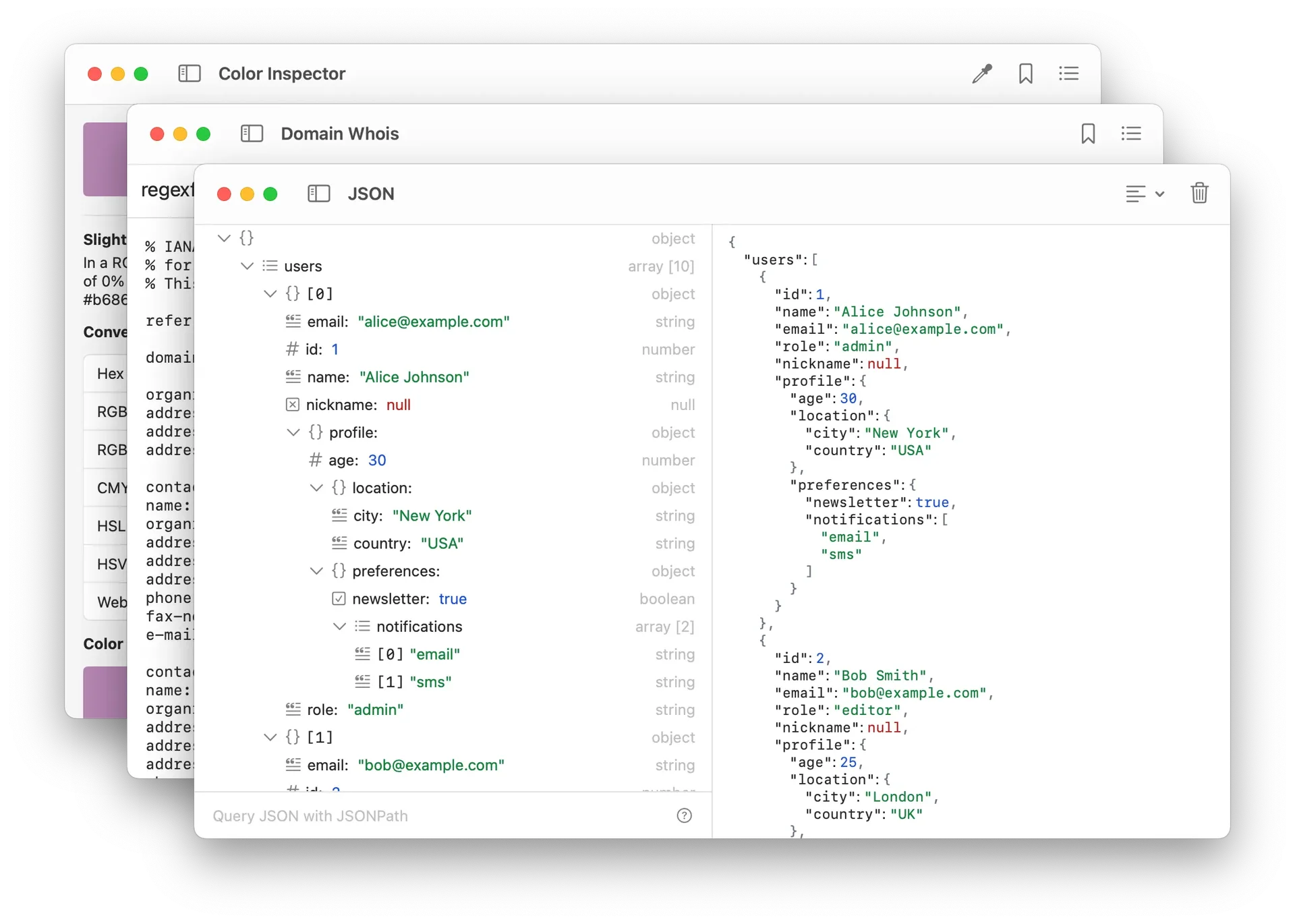
Product screenshots
Before you choose
Comparison checklist for DevKnife: 1. Check compatibility with your existing stack. 2. Try installation and one real project workflow. 3. Review maintenance, licensing, and integration requirements. The source lists devknife.app as the official website. Features, access requirements, and pricing should be confirmed there; this summary is not a hands-on review.